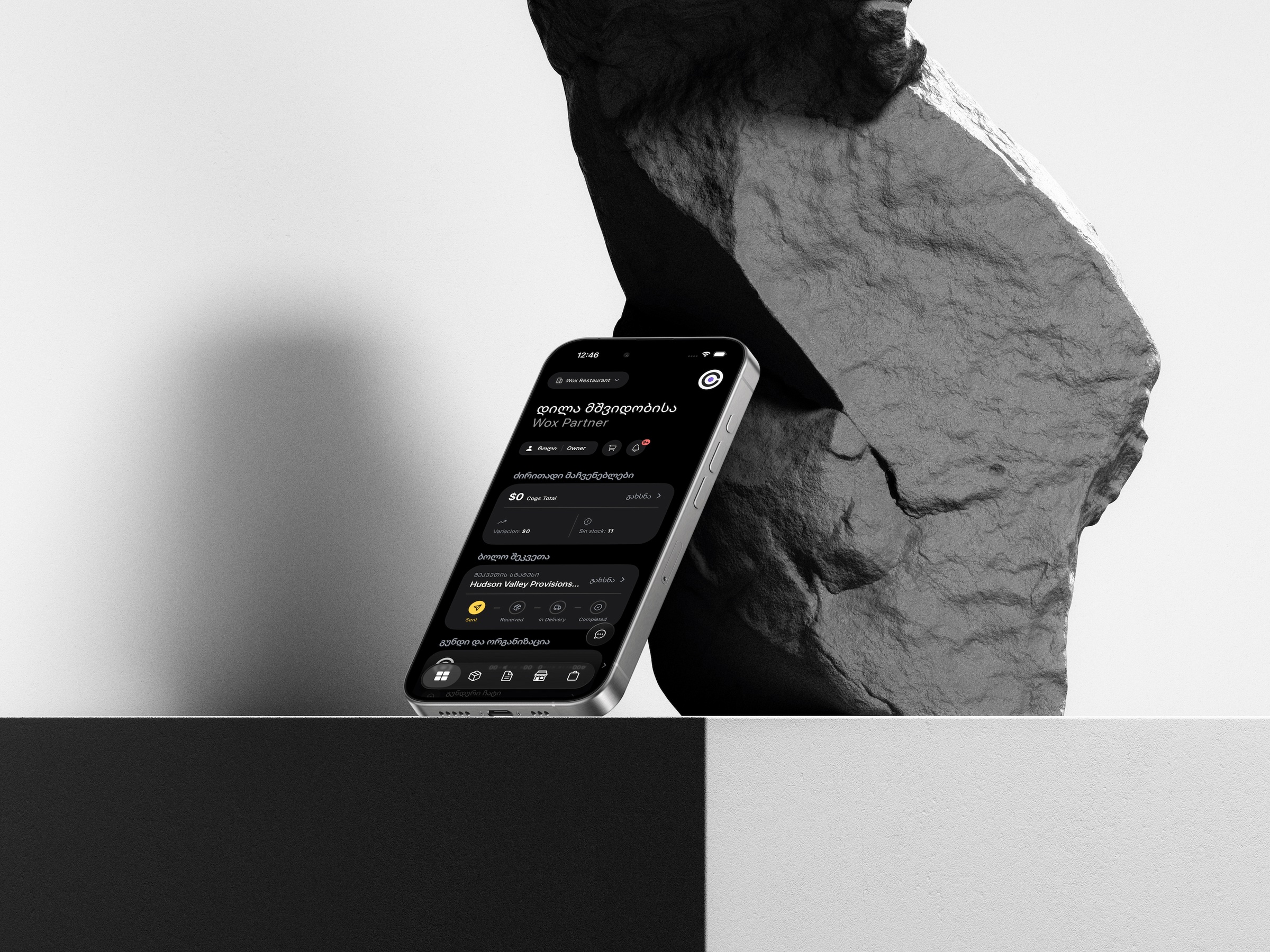
Sellit + Wox
Restaurant website with online table booking into your POS
Your website books tables straight into the POS.
A restaurant website with online table booking into your POS is what Sellit and Wox give you together: Sellit builds the site, guests book a free table on it, and the booking lands in your Wox reservations and on the POS with a table already assigned.
Connect the two once. The site shows your Wox menu, takes table bookings and hands guests' picks to the waiter as a QR code.
How online table booking reaches the POS
Four steps, and the first two happen once.
- 1
Sign in with Wox
In Sellit, choose Sign in with Wox, pick your venue and allow. Only an owner or a manager of that venue can connect it.
- 2
The site fills itself
The name, address, phone, logo, social links, opening hours and menu come from Wox. Nothing is typed twice.
- 3
Turn on online booking
In Wox, switch online booking on and set the largest party, how soon before a visit guests can book and how far ahead. It stays off until you do.
- 4
Bookings arrive on the POS
A guest picks a free time on your site. Wox gives the booking the smallest free table that fits, it shows on the POS at once and managers get a notification.
What the website gets from Wox
One menu, one reservations book, one place to change them.
Your Wox menu on your website
Prices, options, combos and sold-out dishes come from Wox. A menu with hours shows only while it is served, and hiding prices in Wox hides them on the site too.
Only free times are offered
The site asks Wox for free times, from your opening hours, your tables and the bookings you already have, so a guest only sees times you can seat.
No double bookings
Wox saves an online booking only with a free table, and a staff booking and an online one can never take the same table at the same moment.
Guarded against spam
One phone number cannot book twice on the same day, and a sudden burst of online bookings is held back.
Table lists to the check
Guests add dishes on the menu and show a QR code. The waiter scans it and the dishes land on that table's check, with names and prices from the POS.
Sellit sees only what it needs
Sellit gets your venue's public details. It never sees sales, payments, staff, guests or reports, and you can disconnect it in Wox at any time.
Online booking settings
Set in Wox, on the reservations page. Each has a sensible default.
- Online booking: off until you turn it on.
- Largest party online: 8 by default, never more than your largest table.
- How soon guests can book: 60 minutes before the visit by default.
- How far ahead: 30 days by default.
- A warning shows if the venue has no opening hours or no bookable tables yet.