Free QR menu
A free QR code menu
for your restaurant
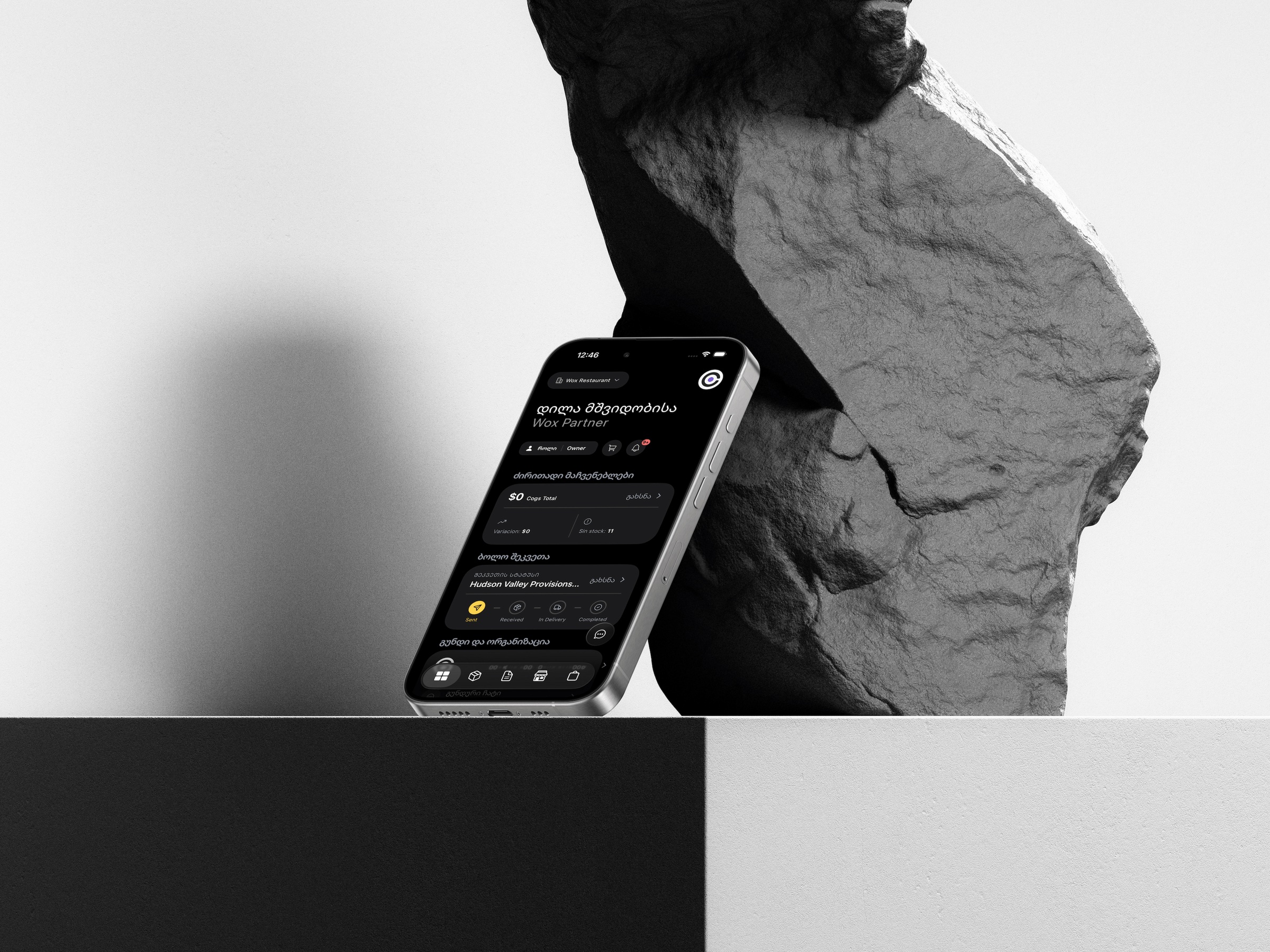
Every Wox plan, including Free, comes with a public menu page and a printable QR code. Guests scan it and see your menu in Georgian, English, or Russian, with today's prices.
- No card needed
- On every plan
- Georgian, English, Russian

wox.ge/qr-menu
What it costs
Others charge for it monthly. Wox includes it.
Standalone QR menu services charge a monthly fee for the menu alone. In Wox it comes with the plan you are already on.
Standalone QR menu service
5–39 ₾a month
60–468 ₾ a year
- A second menu to keep up to date
- Prices changed by hand in another app
- One more subscription to pay
Wox QR menu
0 ₾on every plan
Included in Free, Starter, Growth, and Enterprise
- Built from the menu you already manage in Wox
- A price saved in Wox is public at once
- No separate bill
Standalone prices are the published monthly plans of QR menu services in Georgia, checked in October 2026.
What you get
Everything the menu needs
Always the live menu
The page is rendered from your menu in Wox, not from a PDF. Save a price and the public page already shows it.
Sold-out dishes disappear
Mark a dish as unavailable and it drops off the public menu on its own until you bring it back.
Three languages
Georgian, English, and Russian. Choose which ones are on and which one the page opens in. Guests switch on the page.
Print-ready QR code
Recolor the QR code to match your brand, download it as a PNG, or email it to your designer. A contrast check warns you if it will not scan.
Three menu designs
Counter for café and drink lists, Gallery for photo-led menus, and Feast for set and tasting menus.
No cap on dishes
Your plan does not limit how many dishes or categories the menu shows. Add everything you serve.
How it works
From sign-up to a QR code on the table
- 1
Create a free account
Sign up on the Free plan. No card needed.
- 2
Add your menu
Enter your categories, dishes, and prices in Wox, with photos if you have them.
- 3
Pick a design and languages
Choose a menu design, turn on the languages you serve, and pick a link for the page.
- 4
Publish and print
Publish the page, download the QR code, and put it on your tables.
Is the Wox QR menu really free?
Yes. The QR menu is part of every Wox plan, including the Free plan, which needs no card. There is no separate charge for the menu page or the QR code.
Do I need the Wox POS to use the QR menu?
No. You can sign up for the QR menu alone and manage your dishes and prices in Wox. If you start using the Wox POS later, it reads the same menu, so nothing has to be set up twice.
What happens when I change a price?
The public menu shows the new price as soon as you save it in Wox. The page is built from your live menu, not from a PDF, so there is nothing to re-upload.
Which languages does the menu support?
Georgian, English, and Russian. You choose which languages are on and which one the page opens in, and guests can switch language on the page.
Can I print the QR code myself?
Yes. Download the QR code as a PNG, open a printable page, or email it to a designer. You can recolor it, and a contrast check tells you whether it will scan before you print.
Is there a limit on how many dishes I can add?
No. Plan limits cover things like stock items, vendors, and purchase orders. They do not cap the dishes or categories on your menu, and every location gets its own menu page and QR code.